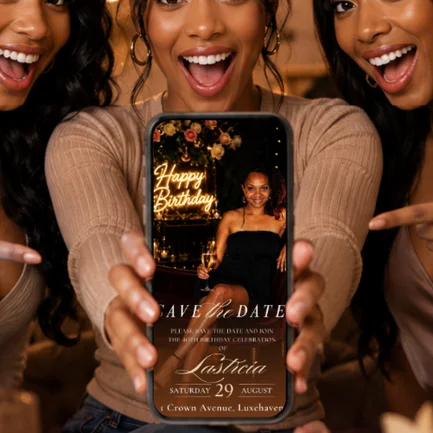
Golden Aura || Version 01
Instant Canva access delivered to your inbox.
Next step: secure checkout on Stan Store (opens in a new tab), then your template is delivered to your inbox.
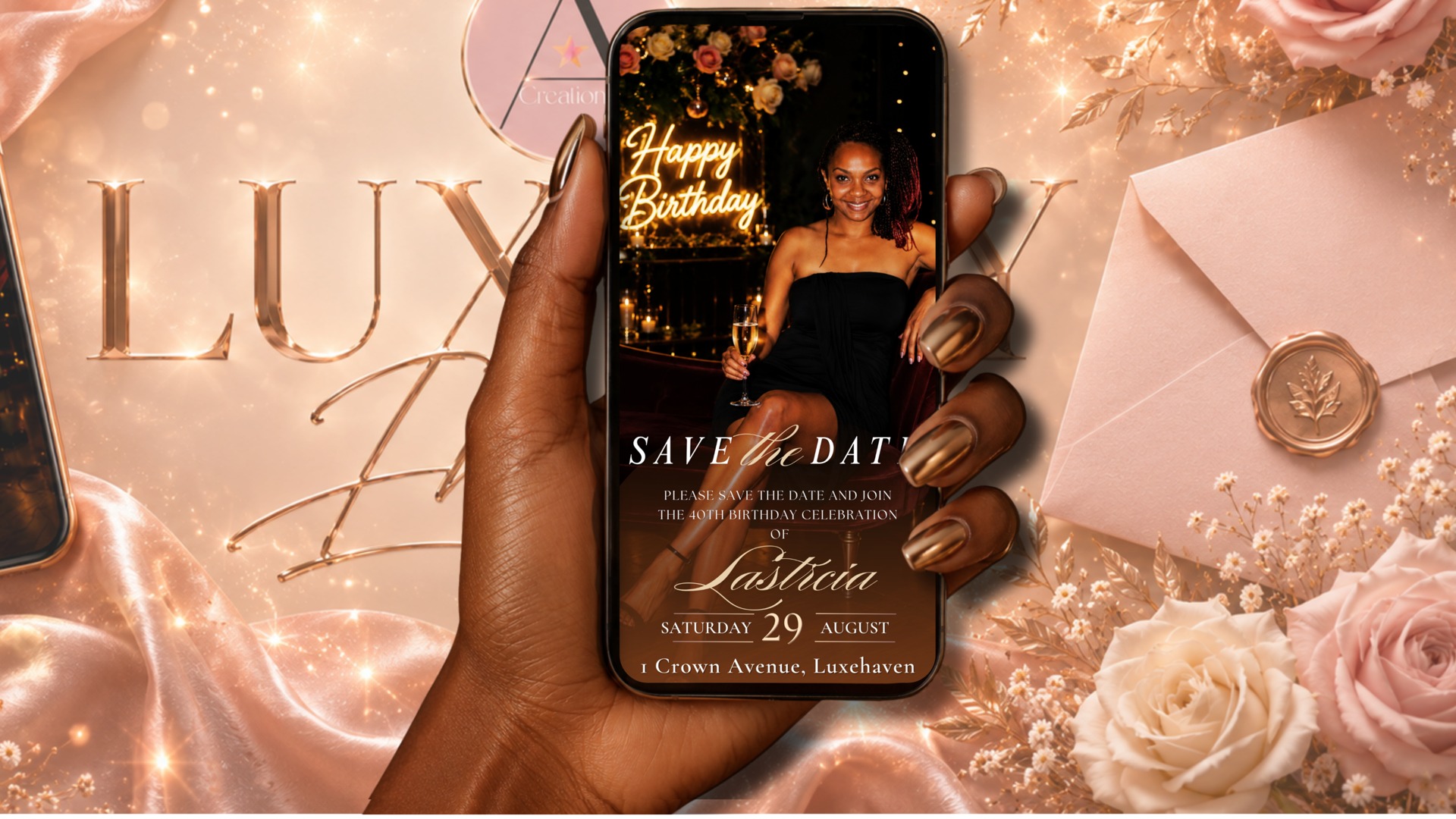

How to Edit Your Template
- 1
Check your email after purchase and open the Canva template link provided.
- 2
Select "Use template" — a personal copy is added to your own Canva account.
- 3
Tap each text box to update names, dates, times, venue and RSVP details.
- 4
Keep the fonts and layout as designed, or adjust colours to suit your theme.
- 5
Preview the animation to make sure everything looks right.
- 6
Share > Download > MP4 Video, then send it by text, email or social media.
Delivery & Access
- Instant digital delivery — no physical product is shipped
- Your template link is emailed immediately after checkout
- Access your template any time from your Canva account
What You'll Need
- A Canva account
- A phone, tablet or computer with internet access
Frequently Asked Questions
Do I need a paid Canva account?
A Canva account is required. A Canva Pro account may be required for certain premium design elements or features.
How quickly will I receive my template?
Straight away. Your Canva template link is emailed to you as soon as your purchase is complete.
Can I change the colours and wording?
Yes. All text is editable and you can adjust colours to match your event theme.
Is this a printed invitation?
No. This is a digital template designed for sharing online, including an animated MP4 video invitation.
Important Information
This is a digital product for personal use only. Templates may not be resold, shared or redistributed. Due to the instant digital nature of this product, all sales are final and refunds are not available. Please read the description carefully before purchasing.
Ready to celebrate in style?
Purchase securely through Stan Store and receive your editable Canva template in your inbox.